
Design
Calm by design.
Everything between power-on and the desktop is built by hand. Nothing moves. Nothing leaks.
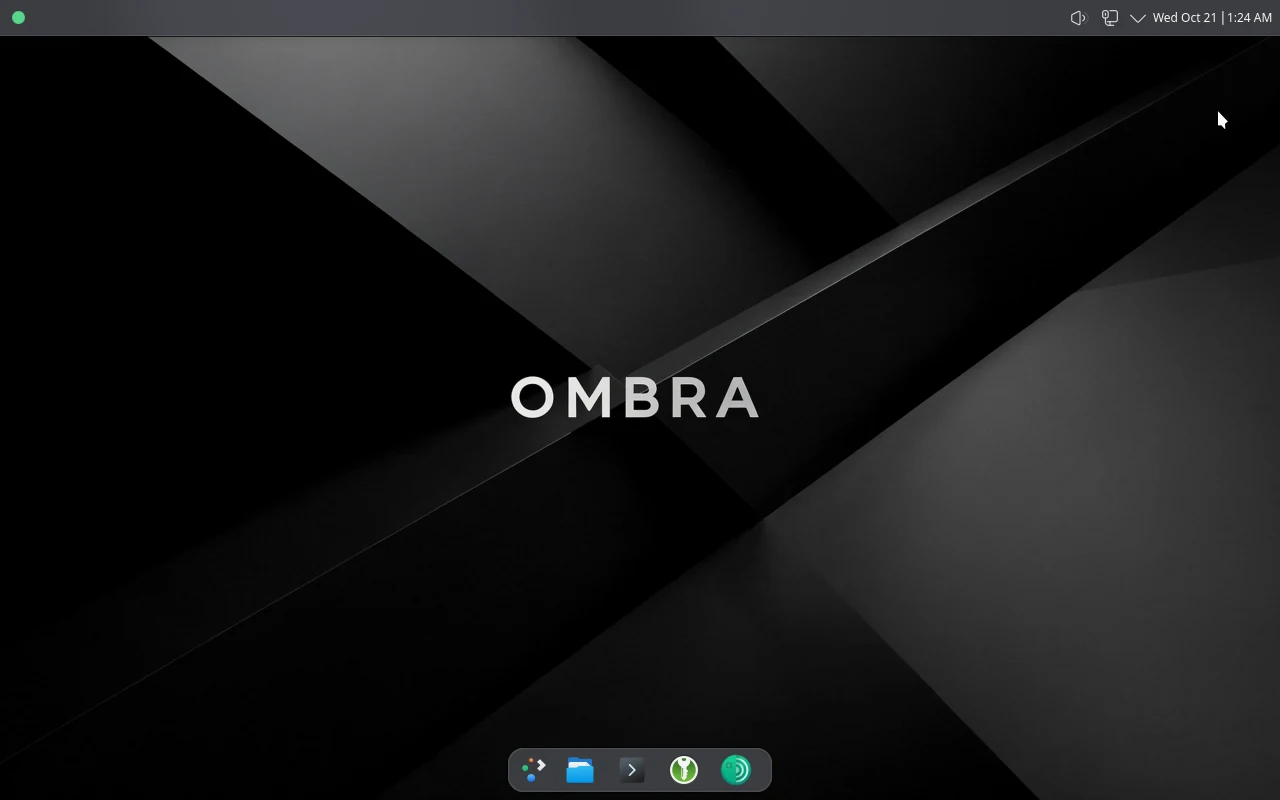
Part one
Experience
What you see from power-on to a working desktop.
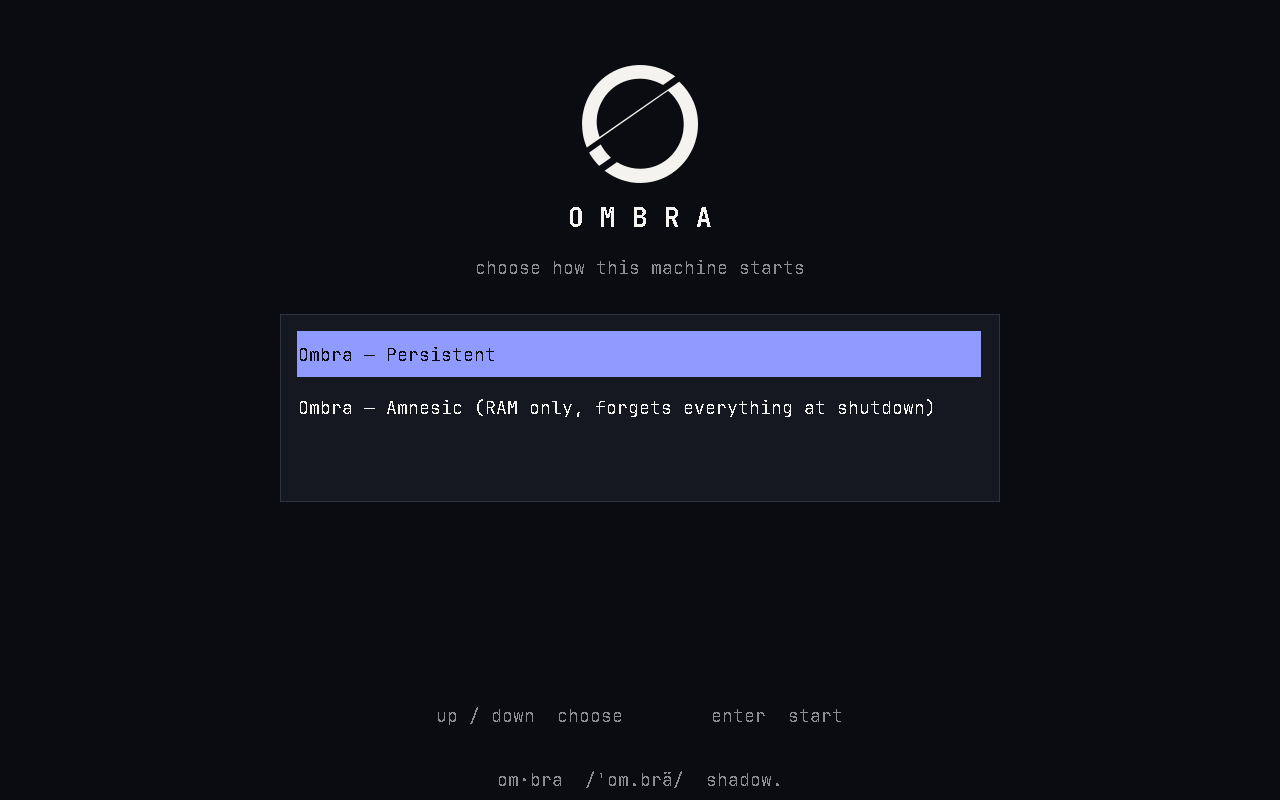
Choose how it starts
Persistent keeps your work. Amnesic forgets everything at shutdown. Nothing starts until you choose.
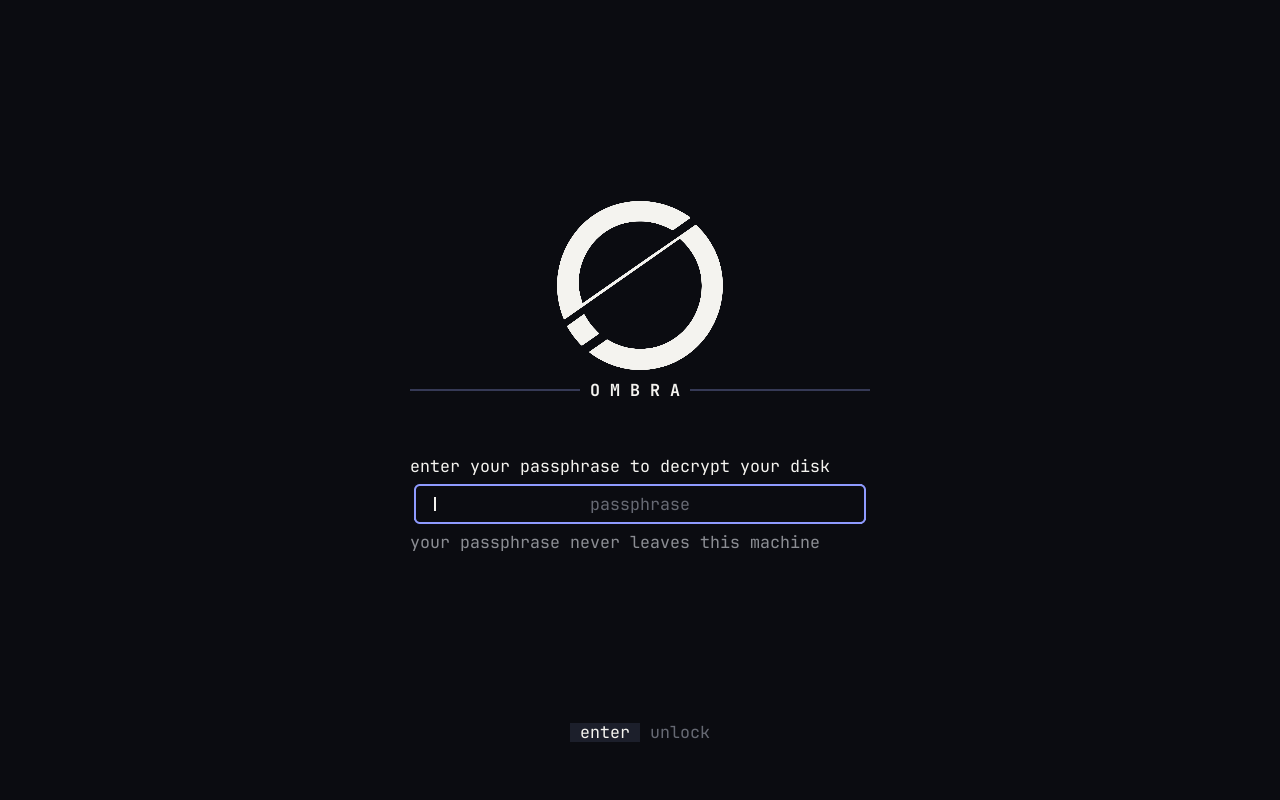
Unlock
One field. Your passphrase never leaves this machine.
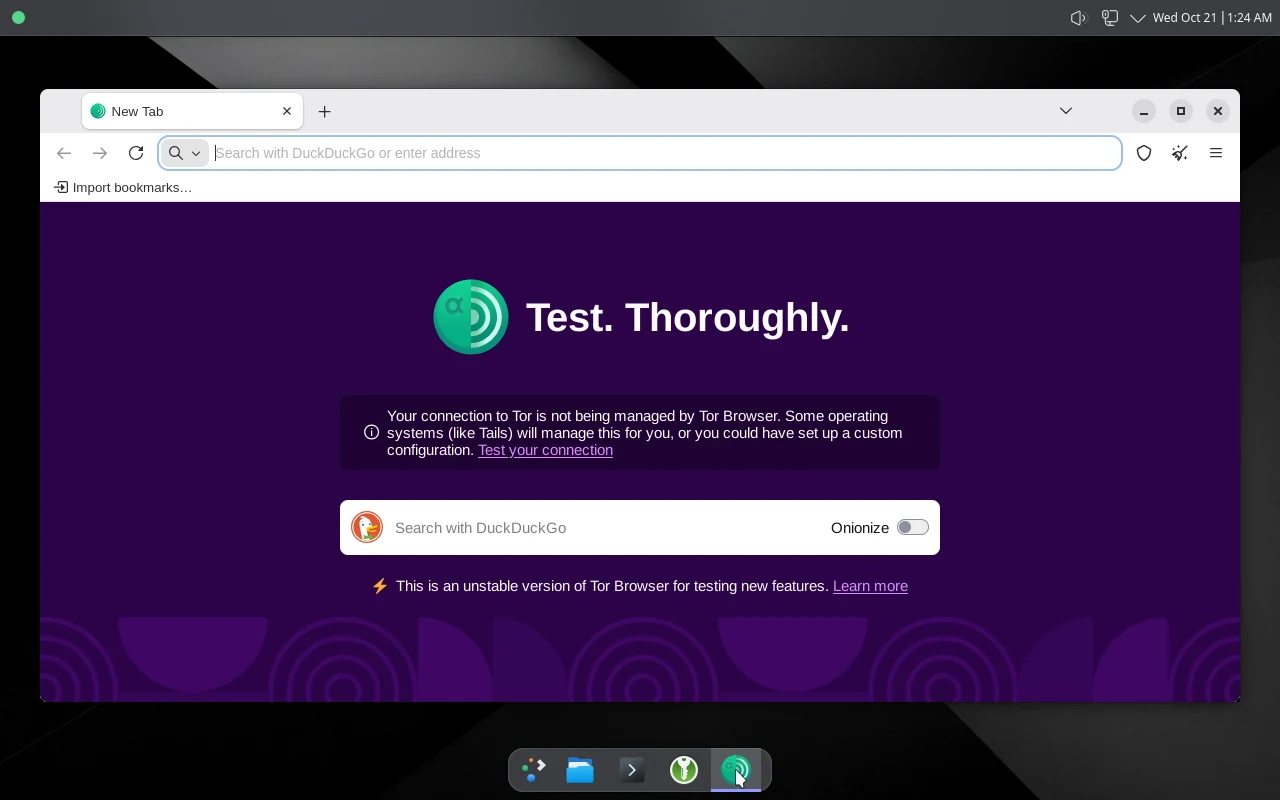
Everything through Tor
A green dot means every packet goes through the gateway and out over Tor.
Principles
Nothing moves
No decorative animation. The mark is static; progress screens pulse dots and nothing else.
One voice
The boot menu, unlock, setup and desktop share one palette, one typeface and one mark.
No version numbers
The machine calls itself Ombra. Versions live only in machine-readable fields.
Mouse first
A floating dock, a status dot, large targets. The keyboard is never required.
Palette and type
Ombra dusk: one accent, and real green, amber and coral for state.
Ink
#0b0c11
Background
Slab
#151821
Surfaces
Text
#f4f3ef
Primary text
Muted
#8b8d93
Secondary text
Indigo
#8f9bff
Accent, focus
Green
#56d68a
Good
Amber
#f2c260
Caution
Coral
#f0716b
Failure
Aa 0123
JetBrains Mono on every screen before the desktop
Aa 0123
Noto Sans on the desktop
Part two
Technical
Two virtual machines. The desktop has no path to the network except through the gateway.
Desktop
KDE Plasma · X11 · 6 GB · 4 vCPU
- Tor Browser · KeePassXC
- Status LED · connectivity panel
- LUKS2 disk · encrypted swap
- One NIC · 10.55.10.100
Gateway
Debian · headless · 512 MB · 1 vCPU
- nftables · fail-closed
- dnsmasq → Tor DNS
- Tor · dedicated uid
- Control-port filter · read-only
Tor network
→ Internet
Six invariants
One way out
The desktop has one NIC on a private link. No NAT, no second adapter, no bridge, ever.
Fail closed
Only the Tor user may leave the gateway. If Tor stops, the desktop has no network.
No fetching
Nothing downloads at install, boot or runtime. Every input is pinned and hashed.
Generic identity
Fixed hostname and machine id on every install. Nothing derives from you or your Mac.
The disk is the state
No stamps decide behavior. First use re-proves itself against the disk header on every boot.
No telemetry
No update checks. The few probes Ombra makes go through Tor and never show an exit address.
Two ways to run
Amnesic
Read-only root with a RAM layer on top. Every write, including the browser profile, is gone at shutdown. The gateway draws a fresh Tor guard sample each boot.
Persistent
Writes to disk. The desktop stays encrypted. The gateway keeps its Tor guards. First-time setup runs here.